GitHub

Source, issues and changelog

pub.dev

Package and versions

Example app

flutter run and go
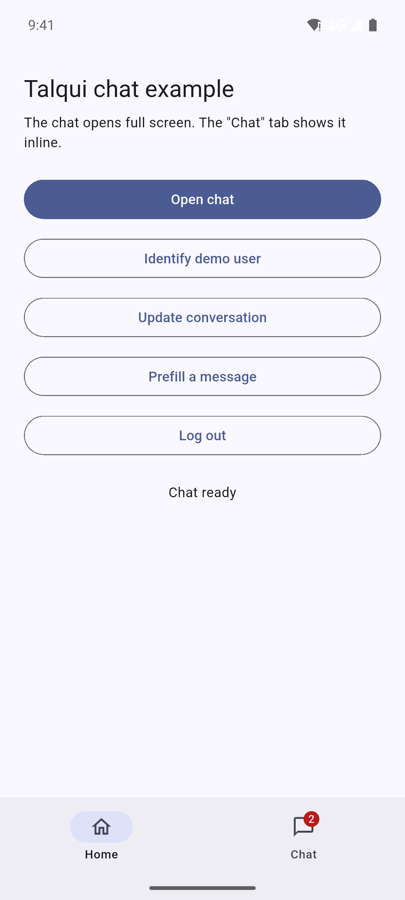
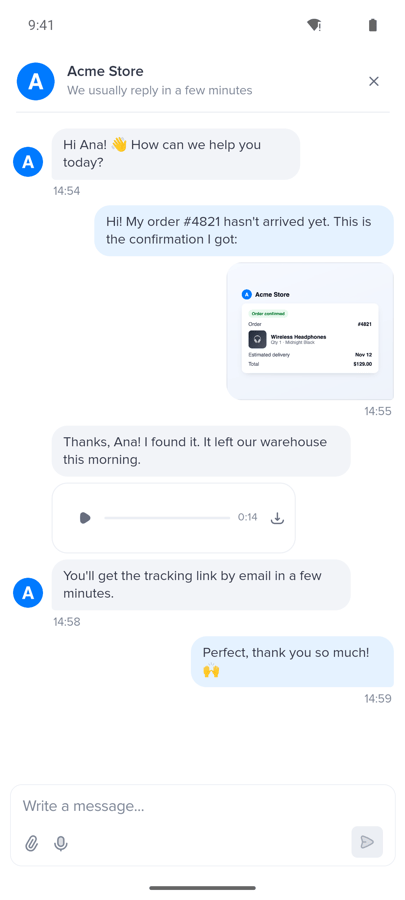
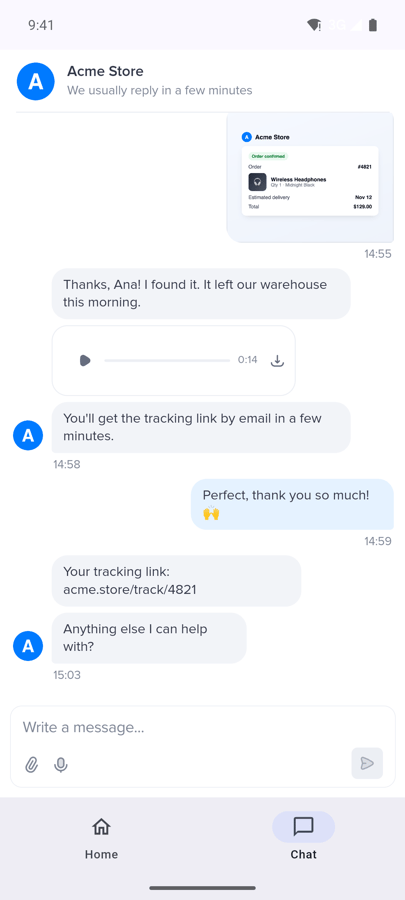
Unread count in the host appFull screen chat with text, an image and a voice messageThe chat inline in a tab

Requirements

Flutter 3.24 (Dart 3.5) or later, iOS 13, Android 7.0 (API 24).

1. Install

Using an AI coding agent? Point it to AGENT_INSTRUCTIONS.md: a step-by-step install it can follow and validate on its own.

2. Permissions

Attachments, photos and voice messages need these entries.

3. Create the controller

Create it once, with the values from Get your IDs, and reuse it everywhere (a top-level variable, Provider, Riverpod, GetIt…):

4. Open the chat

The chat opens in a full-screen route and closes with the header button or the back gesture. The conversation keeps running while it is closed.

Or inline, in a tab

hideCloseButton removes the header’s close button, which has nothing to close in a tab.

5. Identify the user

The pre-chat form is skipped and your team sees who is talking. How to compute userHash →

6. Send context

Rules and where it shows up →

7. Events and unread badge

Call talqui.preload() early (after login, for example) so replies are counted before the user first opens the chat. All events →

8. Logout

Forgets the user on this device, clears everything you set, unlinks the push token and starts a fresh anonymous visitor.

9. Push notifications

Optional: notify the user when a reply arrives while they are away. Set up Firebase and hand the device token to the SDK. See Push notifications for mobile apps.

API reference

TalquiController

TalquiChat

Example app

It has an “Open chat” button, a “Chat” tab with an unread badge, and buttons for identify, metadata, prefill and logout, connected to the Talqui demo workspace. Something not working? See Troubleshooting.